





Whatsplaid
Plans
Search the site
4.8 on Trustpilot +400

Automate customer service, sales, and support on WhatsApp with AI

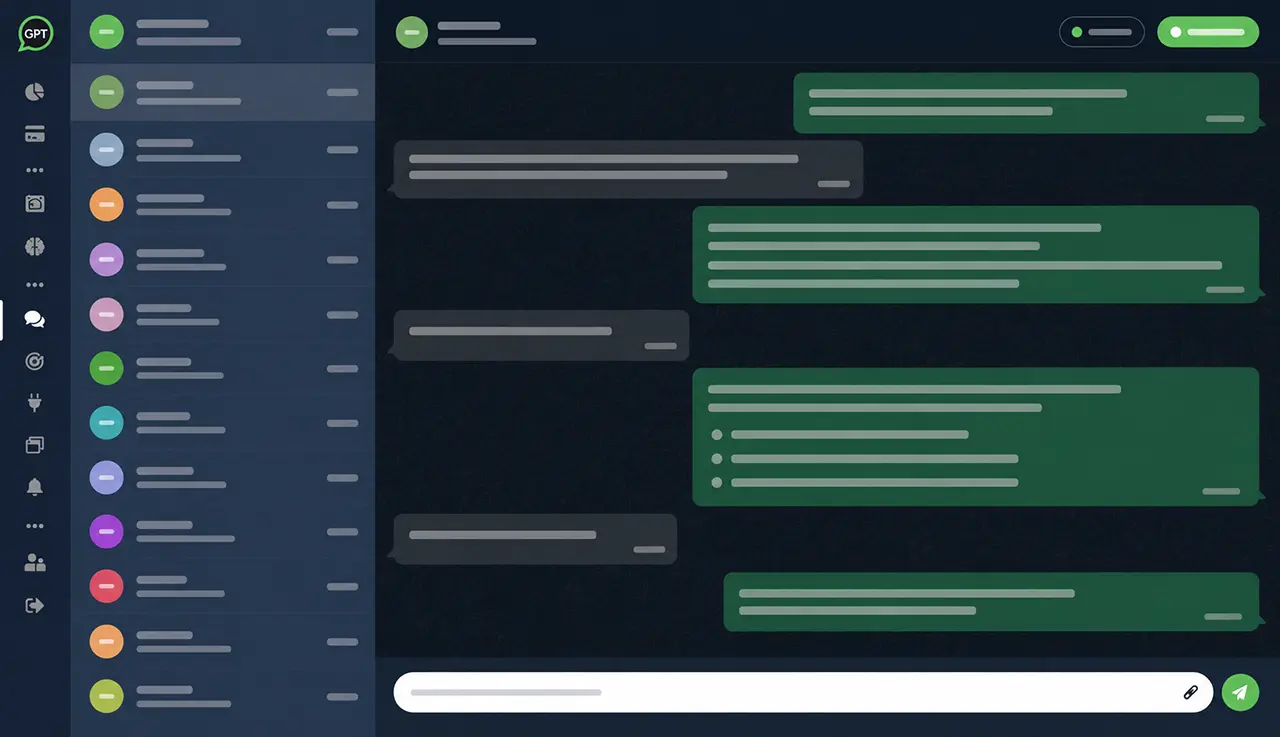
Whatsplaid connects your WhatsApp Business to a trained assistant with company data, integrated with e-commerce, CRM, spreadsheets, leads, internal tickets, and human support.

  • Official Meta API
  • Leads and CRM
  • Tickets and support
  • E-commerce and cart

WhatsApp stops being just a chat and becomes an operation.

The assistant understands the customer's intent, consults company data, and handles customer service, sales, leads, or support with human oversight.

  1. 01 Message

    The customer calls on WhatsApp to ask questions, buy, request support, or track an order.

  2. 02 Intent

    The AI understands the context and uses the behavior, tone, and objectives set by the company.

  3. 03 Data

    Whatsplaid consults knowledge base, products, orders, spreadsheets, CRM, or integrations.

  4. 04 Action

    The AI responds, captures leads, builds carts, creates internal tickets from the conversation, or calls a human agent.

Connect Whatsplaid to the data that drives your operation.

Integrate WhatsApp, AI, e-commerce, CRM, Google Sheets, automations, API, and widget to respond with real context.

View all integrations

E-commerce platforms

Check products and orders, send images of items, build carts during the conversation, and deliver the checkout link for payment.

Shopify Nuvemshop WooCommerce Wix Loja Integrada Tray

CRM and automation

Send leads and WhatsApp events to the systems your team already uses.

RD Station Pipedrive HubSpot Bitrix24 Zapier

Data and knowledge

Train the AI with website, files, documents, spreadsheets, and internal databases.

Google Sheets Document import

Own API and operation

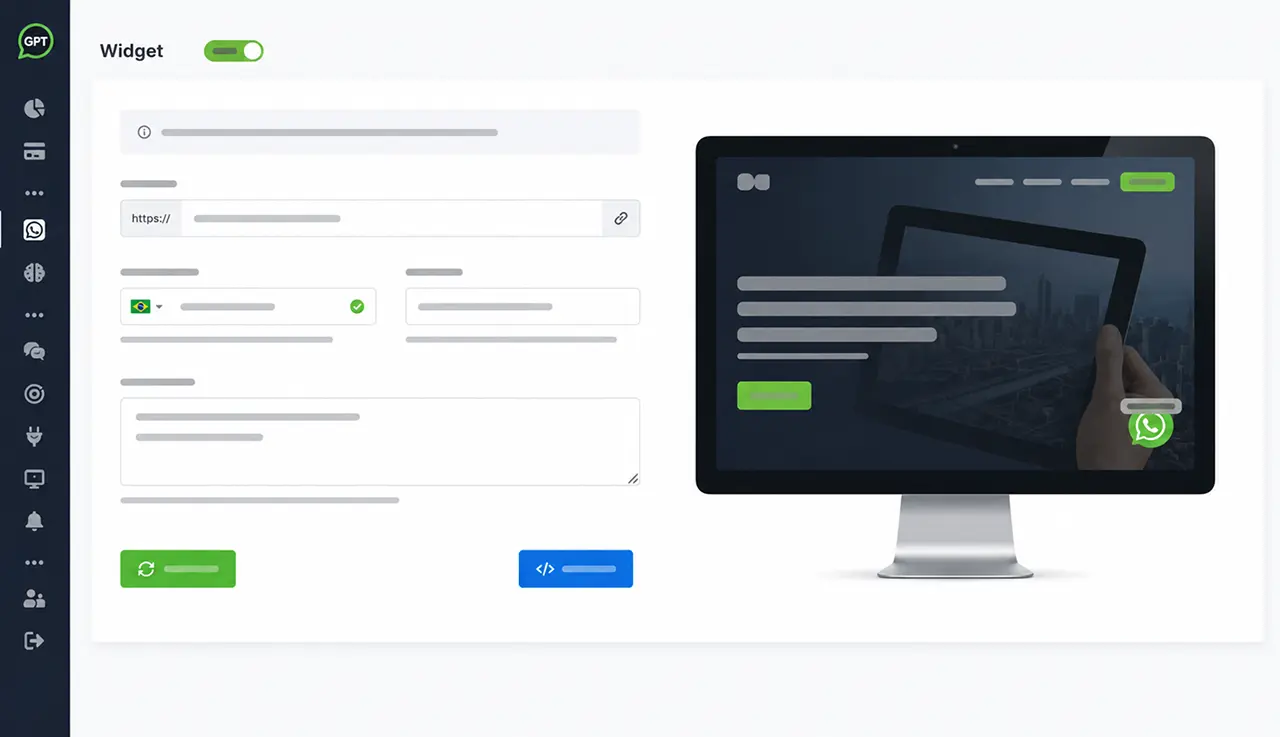
Use API, webhooks, and widget to adapt Whatsplaid to customized workflows.

AI for businesses that communicate with customers every day.

Use Whatsplaid for customer service, sales, support, leads, post-sale, and tickets in segments with high demand on WhatsApp.

01 E-commerce

Answer product questions, check orders, recommend items, and build carts on WhatsApp.

Assisted sales
02 Physical stores and retail

Organize product questions, quotes, availability, local service, and post-sale.

Retail
03 SaaS and technical support

Create internal tickets from customer conversations, categorize requests, summarize context, and answer questions with knowledge base.

Tickets
04 Financial services

Perform triage, answer frequently asked questions, and direct requests with context.

Secure service
05 Education and courses

Answer questions about classes, prices, enrollments, calendar, and next steps.

Enrollments

Real reviews from clients using Whatsplaid.

Public testimonials help demonstrate trust while we prepare the new social proof for Whatsplaid.

4.8
Reviews on

Activate AI on WhatsApp without turning it into a technical project.

Connect WhatsApp, set up the assistant, train with real data, and let the operation respond faster.

  1. 01

    Connect

    Link your WhatsApp Business and choose the modules that make sense for your routine.

  2. 02

    Train

    Use website, files, spreadsheets, and instructions to create an assistant aligned with the company.

  3. 03

    Automate

    AI answers questions, qualifies leads, checks products, creates internal tickets from customer conversations, and organizes support.

  4. 04

    Take over

    When necessary, the human enters the inbox with history, context, and control to pause the bot.

Before automating your WhatsApp with AI.

Direct answers about deployment, WhatsApp Business, data, human support, sales, and support.

Is Whatsplaid just a chatbot?

No. Whatsplaid is an AI platform for WhatsApp with assistant, inbox, leads, internal tickets, knowledge base, integrations, and human support.

Do I need to know how to program?

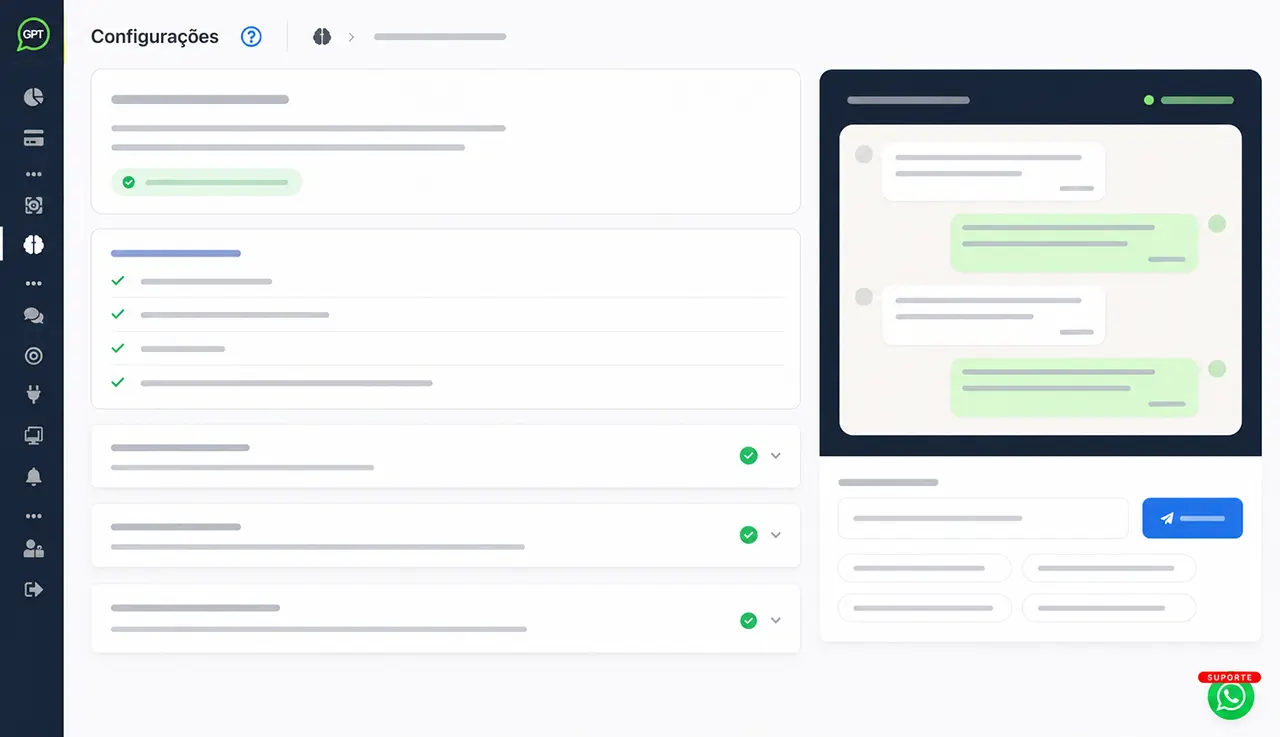
No. The setup is guided: the platform helps to build the assistant from the website, goal, tone, behavior, and company data.

Does it work for support and sales?

Yes. AI can answer questions, qualify leads, recommend products, check orders, and direct conversations to the team.

Can AI check products and orders?

Yes, when integrated with e-commerce. The assistant can check catalog, send product images, recommend items, assemble cart, and send checkout link to complete payment.

Can a human take over the conversation?

Yes. The team can respond via inbox, pause the bot per conversation, and use history to continue support with context.

Does Whatsplaid use the official WhatsApp API?

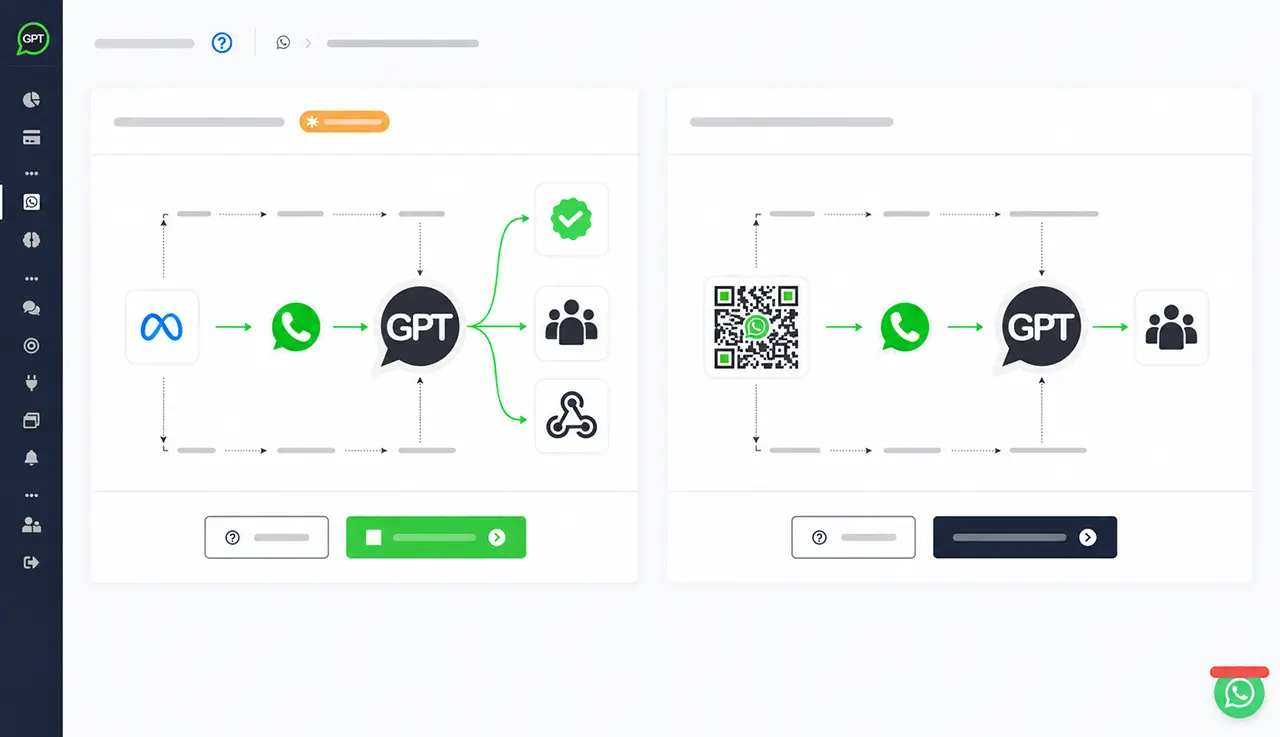
Yes. Whatsplaid can connect WhatsApp Business via Meta's official API, available on all plans, including the free plan.

What integrations does Whatsplaid support?

Whatsplaid works with Shopify, Wix, Nuvemshop/Tiendanube, Google Sheets, RD Station, Pipedrive, HubSpot, Bitrix24, Zapier, API, and widget.

How long does it take to activate?

It depends on the operation and integrations, but the onboarding was designed to reduce manual setup and quickly put the assistant to the test.

Can the company create tickets from WhatsApp conversations?

Yes. During the service, the AI or the team can turn the conversation into an internal ticket with history, evidence, summary, category, priority, and context for human follow-up.

Whatsplaid Platform

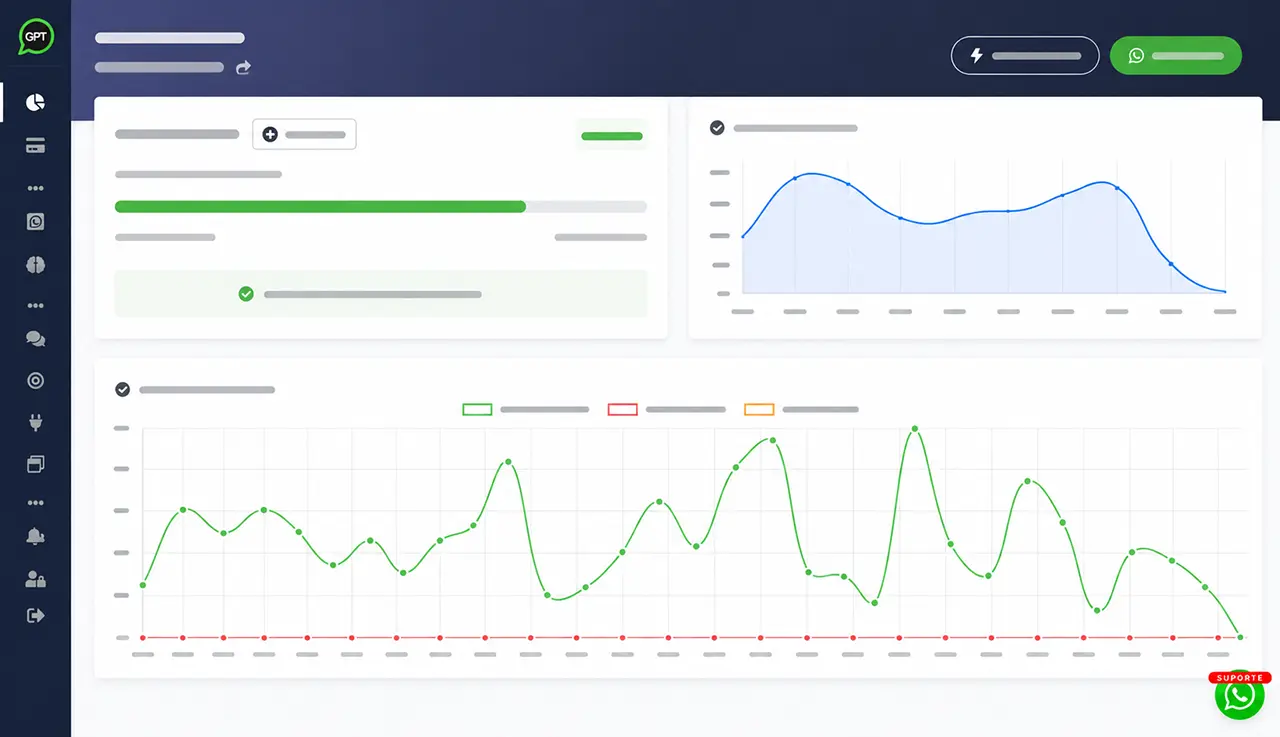
AI, WhatsApp, leads, internal tickets, and human working in the same flow.

Whatsplaid combines AI assistant, company data, integrations, and human inbox to turn conversations into trackable processes.

Automatic flow on WhatsApp
  • Automatic response sent
    Customer received guidance based on company data.
    24/7
  • Qualified lead
    Name, phone, interest, and notes were recorded.
    CRM
  • Call opened
    The AI summarized the problem and classified priority for support.
    P1
Impact on operation
24/7
automatic responses for repeated questions
Leads
qualified contacts and sent to CRM
Tickets
tickets with summary, priority, and context
01

AI Assistant

Create a chatbot trained with company objectives, tone, website, files, and rules.

02

WhatsApp Business

Connect your support channel and keep the conversation where the customer already is.

03

Leads and CRM

Capture contacts, qualify opportunities, use tags, and export commercial data.

04

Human inbox

Take over conversations, pause the bot, respond via the panel, and keep the history centralized.

05

Tickets and requests

Create internal tickets from conversations, with history, evidence, summary, category, priority, and context for the responsible team.

06

Base de conhecimento

Use files, documents, spreadsheets, and Google Sheets for more accurate responses.

07

E-commerce

Consult products and orders, recommend items, and build carts on WhatsApp.

08

Integrations and API

Connect CRM, automations, webhooks, widget, and proprietary systems to the conversation flow.

09

Guided onboarding

Configure AI without starting from scratch: the platform helps structure the assistant.

Transform your WhatsApp into a channel for service, sales, and support with AI.

Start with guided setup, train the assistant with company data, and maintain human control when needed.

Also available for iOS and Android.