Too technical configuration
Without a guided flow, creating a useful agent depends on prompts, automation, integration, and testing that are difficult to organize.
Go beyond automated replies: create an agent that chats with customers, uses real company information, records opportunities and brings in the human team when needed — no coding required.
The panel helps define company, goal, tone, behavior, and active features.
The agent uses company data to respond with context, not with generic text.
AI responds, qualifies, routes, and maintains human oversight within the dashboard.
Tools that are too broad require building flows, connecting modules, and understanding technical details before support is up and running. Whatsplaid shortens that path.
Without a guided flow, creating a useful agent depends on prompts, automation, integration, and testing that are difficult to organize.
When the AI doesn’t know the company, it responds superficially and does not help with sales, support, or customer service.
Serving with AI without an inbox, leads, internal tickets, and human handoffs creates risk when a conversation requires follow-up.
Provide the business, language, website, customer service objective, tone of voice, and main guidelines.
Use websites, documents, Google Sheets and integrations so the chatbot responds with real data.
Validate doubts, estimate, support, products, leads and human transfer before activating.
Connect the number and track messages, leads, internal tickets, usage, and support interactions through the dashboard.
Train the agent with the company’s documents, files, website, and internal content.
Google SheetsUse spreadsheets as a living source for up-to-date answers during the conversation.
Lead captureThe chatbot collects name, phone number, email, responses, tags, and interests naturally.
Human InboxThe team takes over conversations, pauses the bot, and continues handling with history.
Tickets by AITurn customer conversations into internal tickets, with a summary, category, priority, and context for the human team to continue.
IntegrationsConnect e-commerce, CRM, Zapier, API, webhooks, and operational data sources.
Content about AI chatbotUnderstand chatbot models, practical applications, and criteria for choosing the right approach.
Respond with hours, prices, services, policies, deadlines, location, and next steps.
Qualify interest, understand needs, collect data, and route the contact to the sales team.
Recommend products, send photos, check store information, and support the shopping journey.
Triage, answer common questions, and escalate complex cases to human support.
The dashboard lets you configure behavior, knowledge and human intervention while the conversation continues on WhatsApp.
The customer asks about a product, service, order, or support.
The agent consults the website, files, spreadsheets or authorized integrations.
The AI responds, records the interest or escalates to the team with the conversation history.
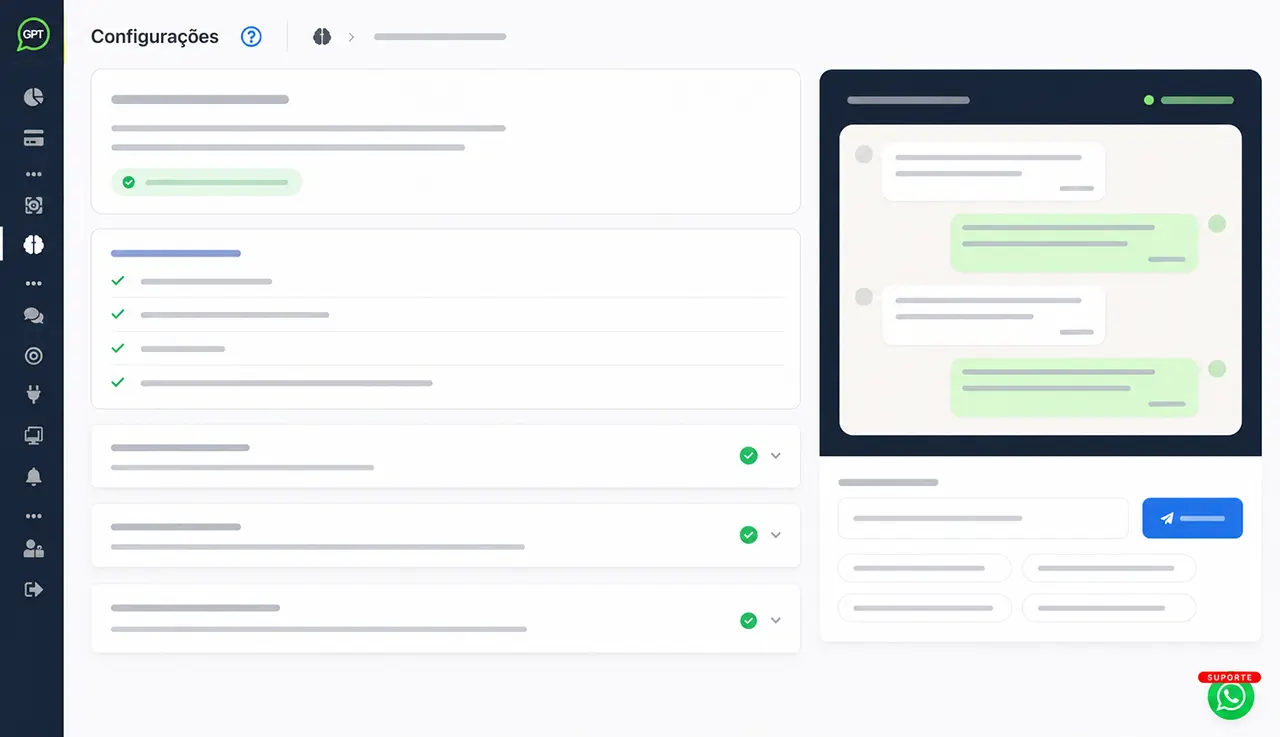
Whatsplaid is focused on WhatsApp. The platform brings together what a company needs to put a robust agent into operation without relying on programming or a long deployment.
No. Whatsplaid guides the setup through the dashboard, helping to define company, objective, tone of voice, knowledge, features and tests before activation.
Yes. It can use website, documents, Google Sheets, knowledge base, and enabled integrations to respond with more context.
The flow chatbot guides the customer through predefined steps and options. The AI chatbot interprets open-ended questions and uses the company’s authorized knowledge to respond. The two approaches can be combined when an operation needs both predictability and flexibility.
Yes. The team can monitor the inbox, pause the bot per conversation, and continue handling the conversation manually with history.
Yes. During the conversation, the agent can collect lead data, qualify interest, apply tags, and send information to the CRM or automations.
Yes. The same agent can answer questions, support pre-sales, query data, create internal tickets from customer conversations, and escalate situations that require human assistance.
Configure the agent, connect your company data, test real conversations, and enable customer service, sales, and support on your operation's professional channel.