Scattered interactions
Important conversations end up without a clear owner when the team doesn’t have a central dashboard to operate the channel.
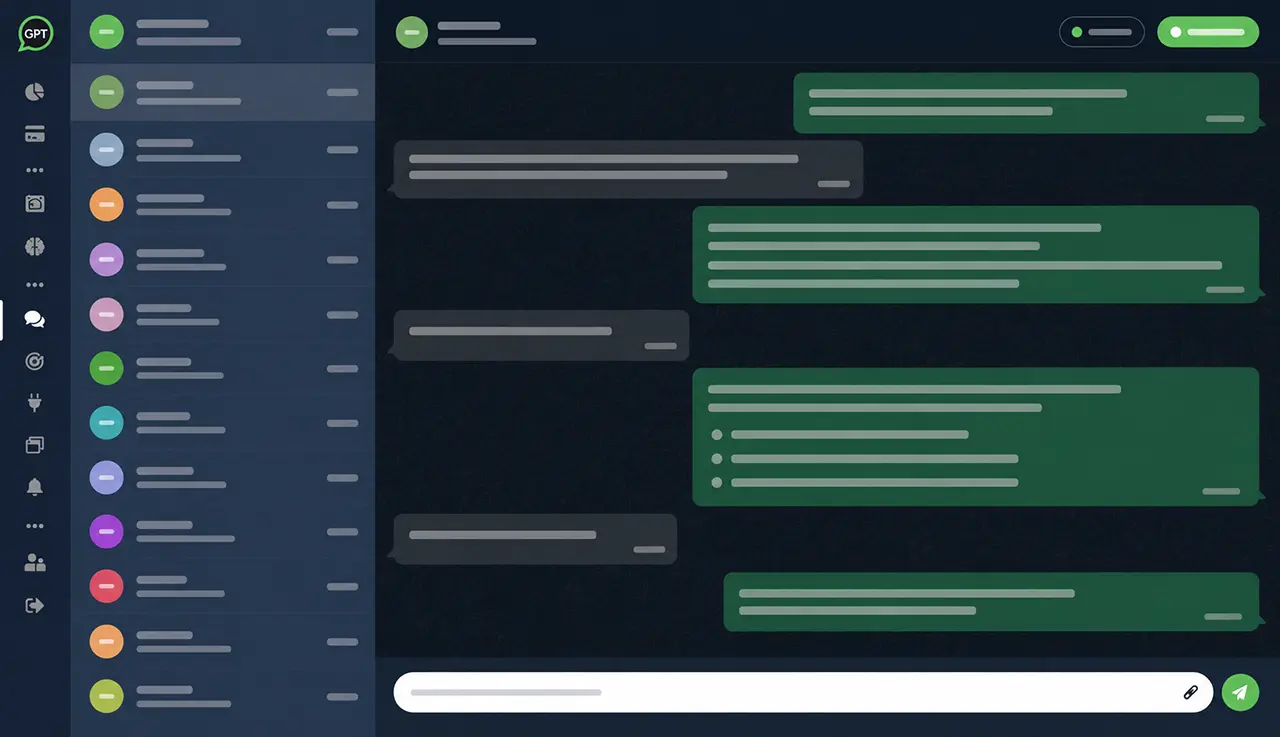
Centralize conversations in a shared WhatsApp inbox so multiple agents can view the history, pause the AI, and continue support without losing the customer’s context.
The customer talks to the AI via WhatsApp and the team follows the history through the dashboard.
When a conversation requires human attention, a team member pauses the AI and takes over support.
The team responds with the conversation history, collected data, and customer information available on the dashboard.
Without an integrated inbox, the company switches between automation, mobile, spreadsheets and separate systems. This creates lost history, duplicate responses and difficulty knowing who is handling requests.
Important conversations end up without a clear owner when the team doesn’t have a central dashboard to operate the channel.
AI handles a large portion of the workflow, but some situations require human decision-making, negotiation, or analysis.
When the operator joins without context, the customer has to repeat information and the experience becomes less consistent.
Track WhatsApp messages in a focused dashboard with conversation history and support context.
Operators can pause the bot and respond manually when a conversation requires human intervention.
Use collected data, summary, tags, leads, and internal tickets to understand the case before responding.
After human support, the flow can continue with AI, automations, and records connected to the operation.
Let the agent respond and lead conversations while the team monitors from the dashboard.
Customer supportUse the inbox for triage, recurring questions, post-sale support, and human escalation.
Leads via WhatsAppSee data collected by the AI and turn conversations into structured opportunities.
Lightweight CRM for WhatsAppTrack contacts, tags, history, notes, and business context.
Tickets by AITurn customer conversations into organized internal tickets, with summaries and context for human follow-up.
WhatsApp automationConnect conversations to flows, data, CRM, webhooks, Zapier, and internal systems.
Customer service contentSee strategies to organize customer service, automation, and customer experience via WhatsApp.
Operators take over negotiations, specific queries, and conversations with high conversion potential.
The team steps in when a case requires a decision, manual review, policy exception, or special care.
Handle post-purchase requests with history, customer data, and AI-collected information.
Centralize conversations to reduce miscommunication, duplicate responses, and loss of context between operators.
The inbox consolidates messages, history, and AI controls so multiple agents can continue the conversation on the same dashboard.
A conversation requires negotiation, analysis, or human care.
The agent accesses history, collected data, leads, and related tickets.
The team pauses the AI, replies with context, and avoids duplicate handling.
Whatsplaid is a platform focused on WhatsApp. Instead of forcing a company to run AI in one place and human support in another, it brings together automation, history, and agents into a seamless, no-code experience.
Yes. Agents can take over a conversation and pause the bot when support requires a human response.
It’s a shared inbox that centralizes WhatsApp conversations so the team can follow the history, take over chats, and work alongside the AI in the same dashboard.
Yes. The team can track messages, context, collected data, leads, internal tickets, and relevant support information.
No. Whatsplaid was designed so that anyone can set up and operate AI on WhatsApp with human oversight via the dashboard.
Yes. It can support sales conversations, customer service, post-sale support, helpdesk, triage, and cases that require human operators.
The inbox is the space where the team converses with the customer. The CRM organizes contacts and opportunities, while tickets log requests that require follow-up. In Whatsplaid, these features can work connected.
Yes. The operation can combine human assistance, AI responses, automations, and connected records according to the configured workflow.
Use Whatsplaid to follow conversations, pause the bot, reply to customers, and keep history, leads, and internal tickets connected.