Automation helped our team respond faster and keep the service organized. The knowledge base made the answers much more consistent.
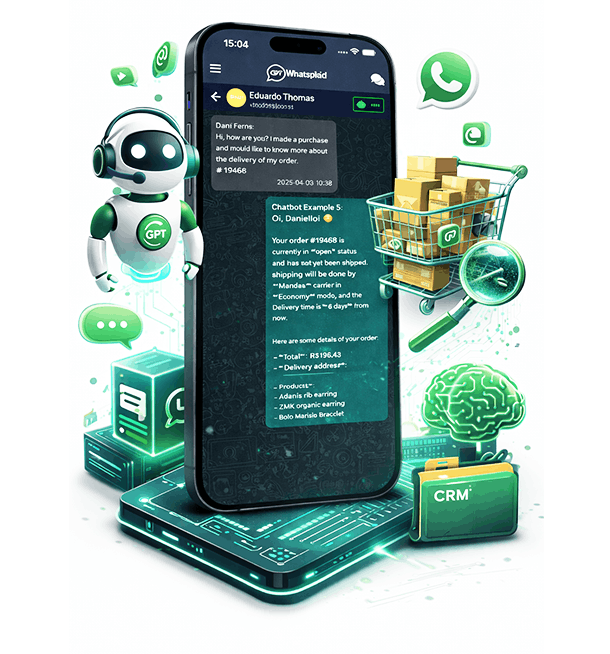
The AI talks to your customers, consults real company data, and performs tasks on WhatsApp, keeping your team in control.
Companies that use Whatsplaid in real WhatsApp applications.
The agent understands the intention, consults authorized sources, and executes the next step without losing control of the team.
The customer calls on WhatsApp to ask questions, buy, request support, or track an order.
The agent identifies the intention and follows the goal, tone, and rules set by the company.
The agent consults knowledge base, products, orders, spreadsheets, or connected systems as needed.
The AI responds, records an opportunity, executes an available task, or transfers the conversation with context to the team.
Sales, service, and support use the same platform, but each journey begins with a different problem, flow, and next step.
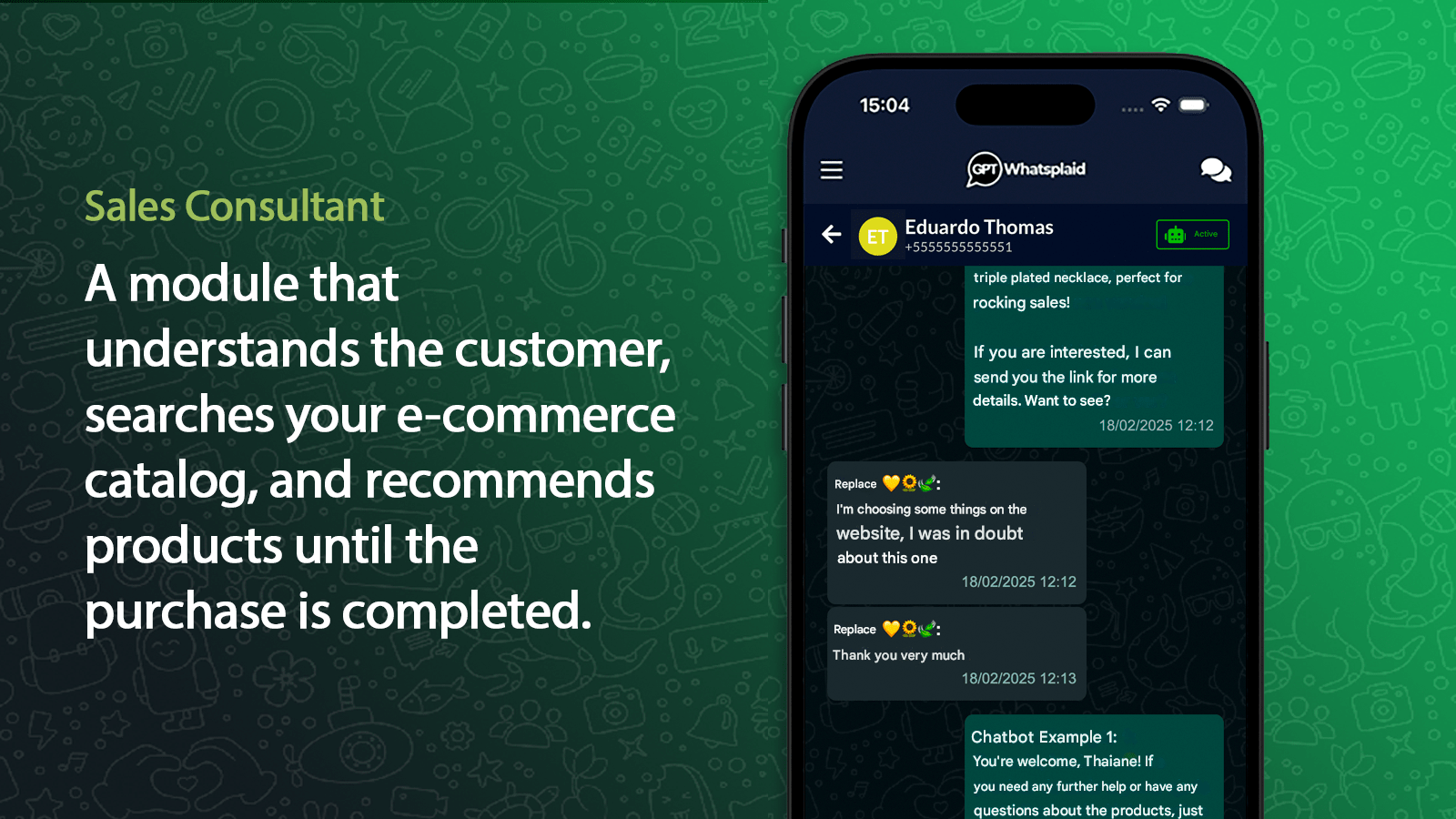
Qualify opportunities, consult commercial information, and lead each conversation to the next step.
View sales journey 02 SupportAnswer recurring questions, perform initial screening, and forward exceptions with context.
View service journey 03 SupportUse company knowledge, organize requests, and involve the human team when necessary.
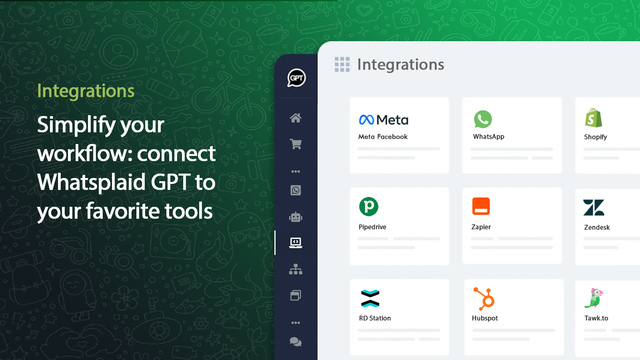
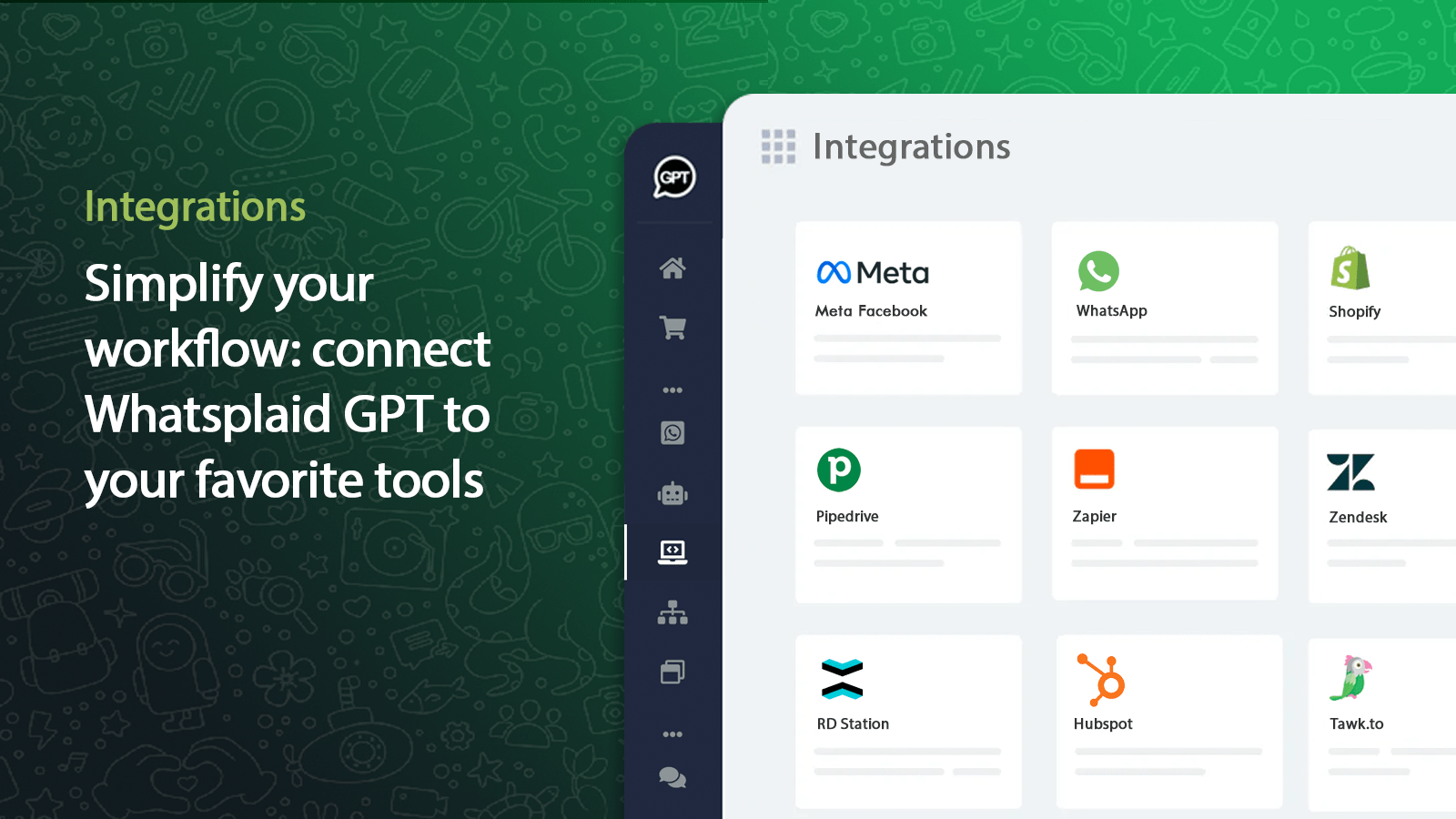
View support journeyConnect the sources the agent consults and the systems that receive each record or event from the conversation.
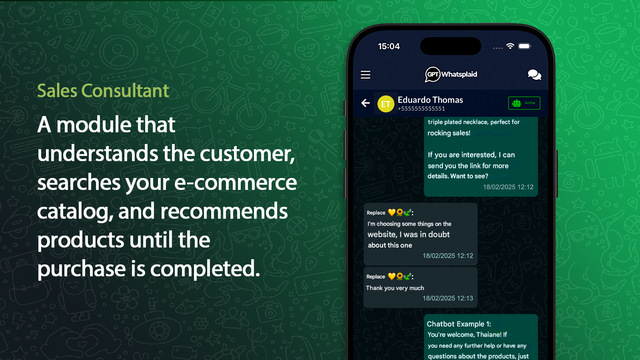
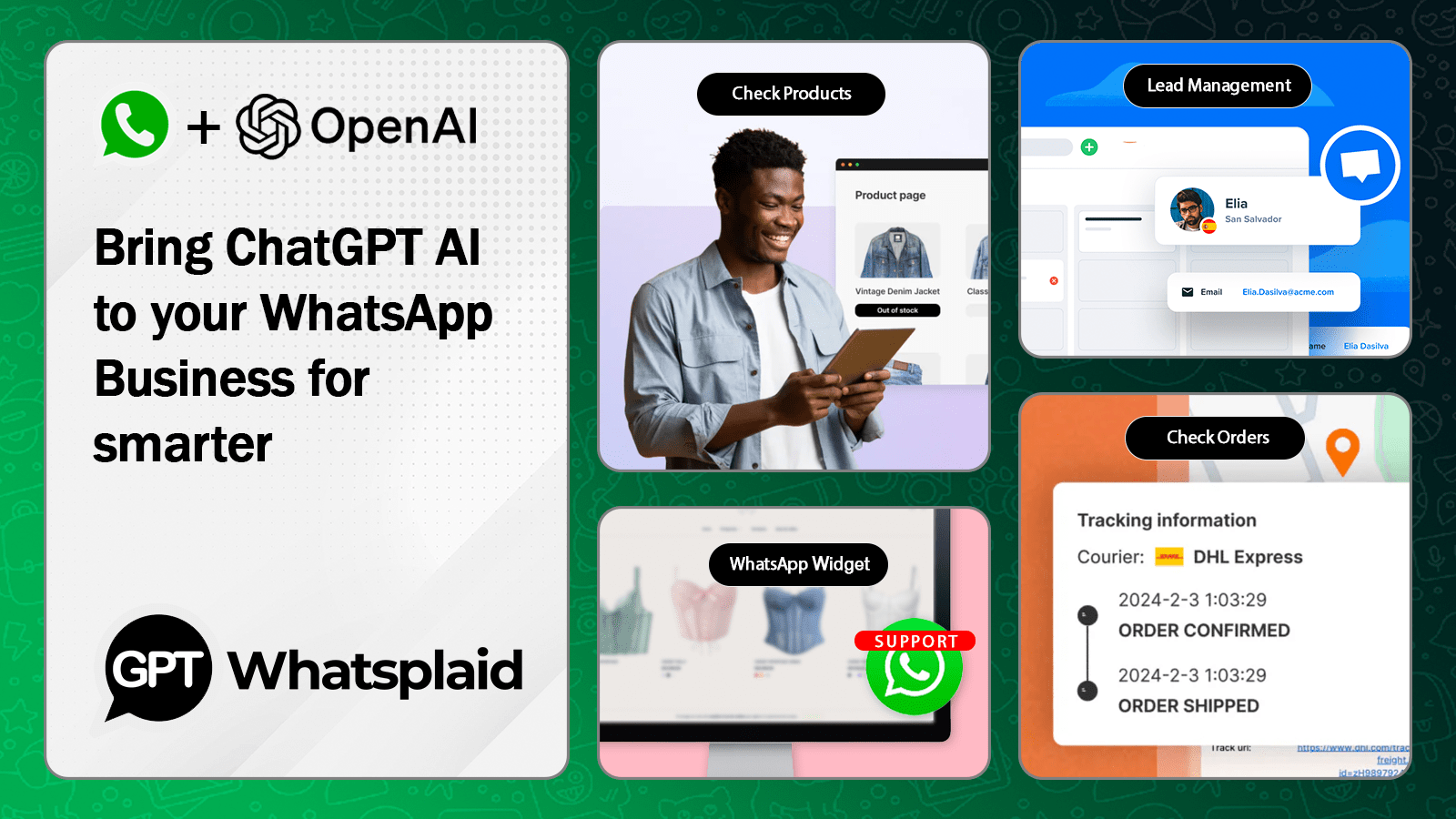
View all integrationsCheck products and orders, send images of items, build carts during the conversation, and deliver the checkout link for payment.
Train the AI with website, files, documents, spreadsheets, and internal databases.
Explore how companies from different segments apply AI agents in sales, customer service, and support via WhatsApp.
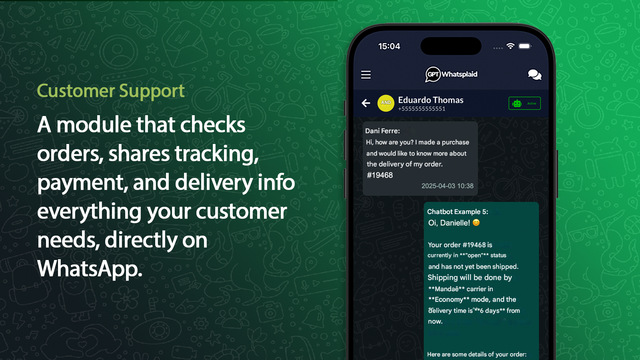
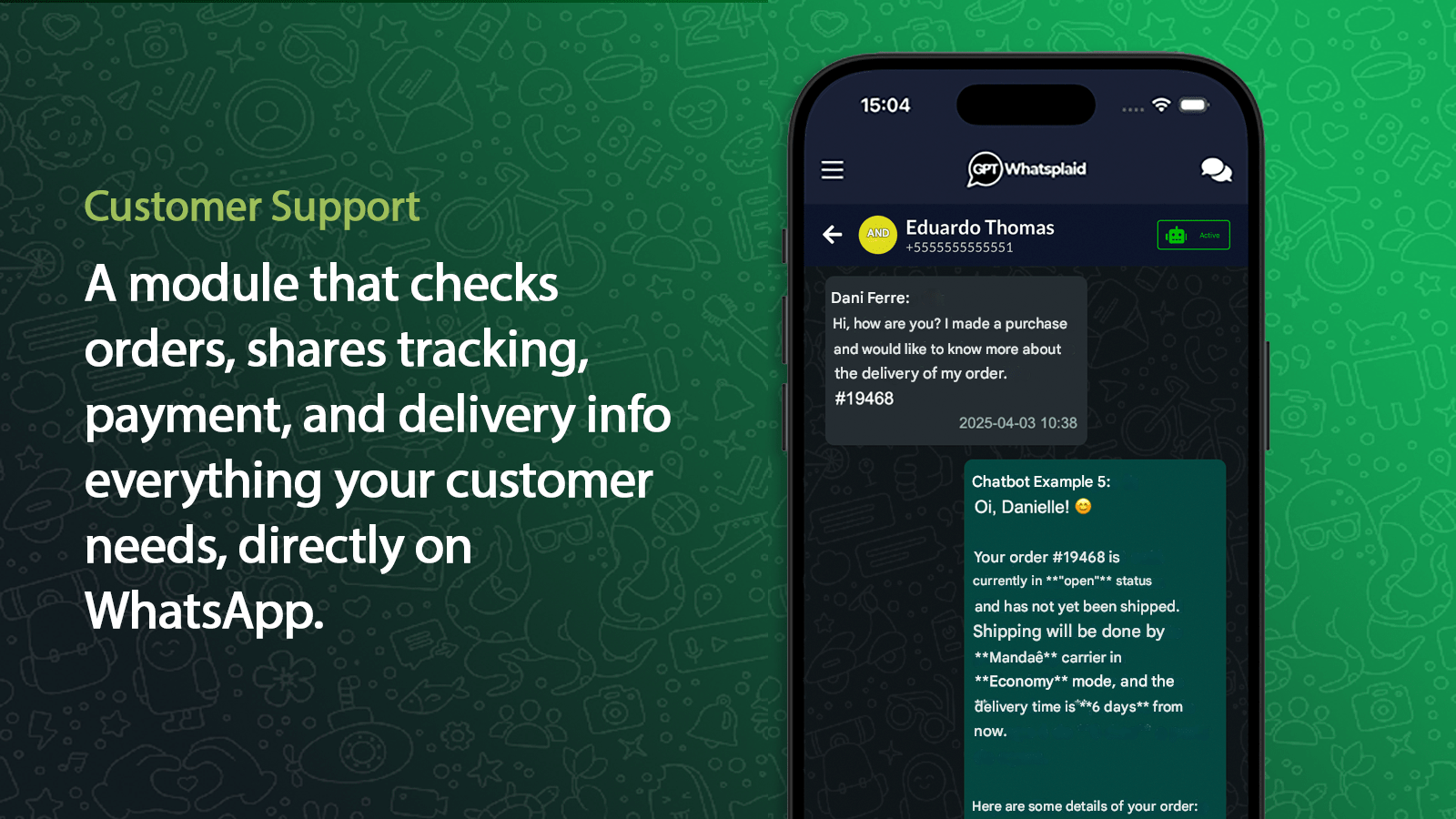
Answer product questions, check orders, recommend items, and build carts on WhatsApp.
Assisted sales 02 Physical stores and retailOrganize product questions, quotes, availability, local service, and post-sale.
Retail 03 SaaS and technical supportCreate internal tickets from customer conversations, categorize requests, summarize context, and answer questions with knowledge base.
Tickets 04 Financial servicesPerform triage, answer frequently asked questions, and direct requests with context.
Secure service 05 Education and coursesAnswer questions about classes, prices, enrollments, calendar, and next steps.
Enrollments 06 Beauty and aestheticsHelp clients with services, packages, schedules, pre-service, and recurring.
Scheduling 07 Tourism and hospitalityAnswer questions about reservations, availability, schedules, services, and recurring service.
Reservations 08 AgenciesOrganize customer service, leads, and operations with AI connected to WhatsApp.
Operation 09 AutomotiveOrganize budgets, appointments, reviews, parts, services, and post-sale.
Quote 10 Dental clinicsOrganize appointments, follow-ups, treatment questions, and initial guidance.
Scheduling 11 Law firmsQualify leads, organize initial questions, and direct inquiries to the right team.
First service 12 Restaurants and deliveryAddress questions about the schedule, hours, reservations, orders, and recurring service.
Quick response 13 Insurance companiesScreen quotes, questions, documents, and initial service steps.
Commercial screening 14 Internet providersAutomate second copies, initial support, plans, scheduling, and ticket opening.
Recurring support 15 Medical clinicsPerform initial screening, answer frequent questions, and forward appointments to the team.
Screening 16 Real estate agenciesQualify interested parties, send compatible properties, and organize the first commercial contact.
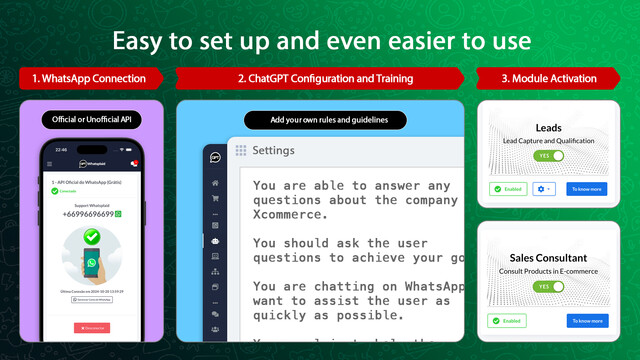
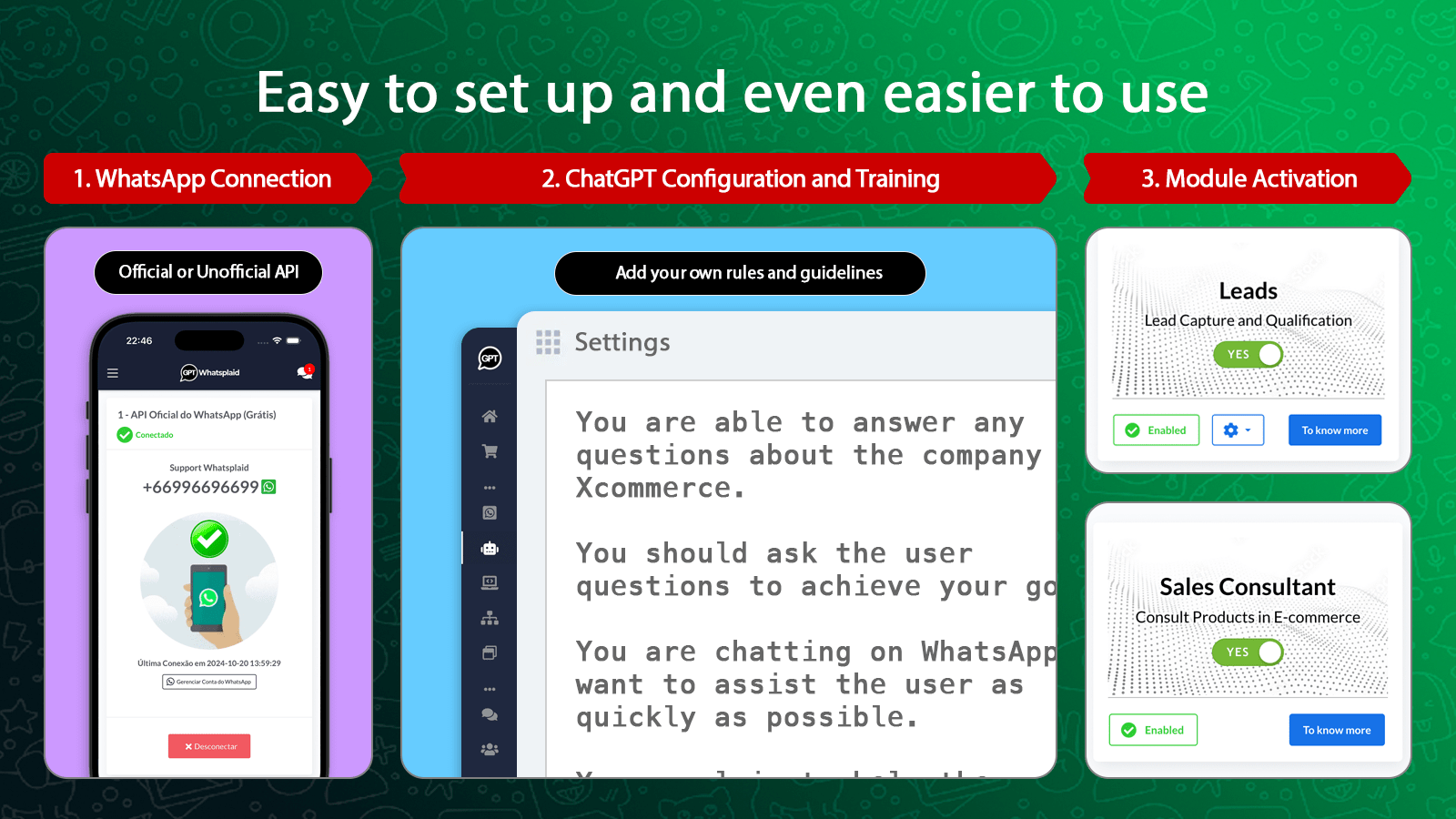
QualificationConnect WhatsApp, define the agent's role, add company sources, and test the flow before expanding the operation.
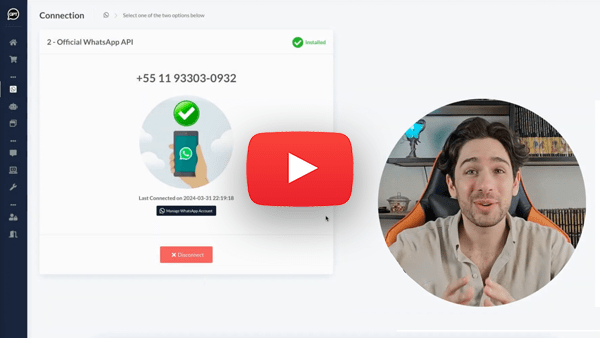
Link your WhatsApp Business and choose the modules that make sense for your routine.
Define objective, tone, rules, and knowledge sources to create an agent aligned with the company.
AI answers questions, qualifies leads, checks products, creates internal tickets from customer conversations, and organizes support.
When necessary, the human enters the inbox with history, context, and control to pause the bot.
Direct answers about deployment, WhatsApp Business, data, human support, sales, and support.
No. Whatsplaid is an AI agent platform for companies. Each agent chats, consults authorized data, and performs available tasks, with the human team in control.
No. The setup is guided: the platform helps create the agent from the website, objective, tone, behavior, and company data.
Yes. AI can answer questions, qualify leads, recommend products, check orders, and direct conversations to the team.
Yes, when there is integration with e-commerce. The agent can consult the catalog, send product images, recommend items, assemble a cart, and forward the checkout link to complete the payment.
Yes. The team can respond via inbox, pause the bot per conversation, and use history to continue support with context.
Yes. Whatsplaid can connect WhatsApp Business via Meta's official API, available on all plans, including the free plan.
Whatsplaid works with Shopify, Wix, Nuvemshop/Tiendanube, Google Sheets, RD Station, Pipedrive, HubSpot, Bitrix24, Zapier, API, and widget.
It depends on the operation and integrations, but the onboarding was designed to reduce manual setup and quickly put the agent to test.
Yes. During the service, the AI or the team can turn the conversation into an internal ticket with history, evidence, summary, category, priority, and context for human follow-up.
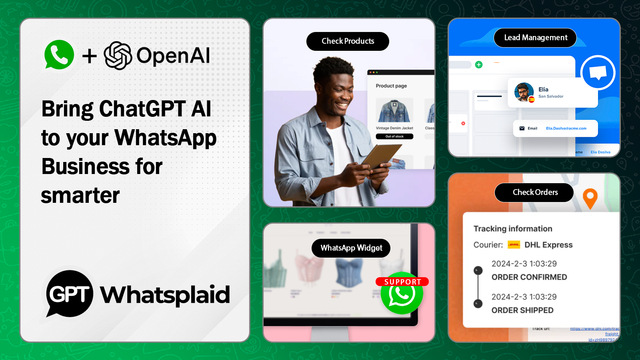
Whatsplaid connects AI agents, company sources, integrations, and inbox to turn conversations into trackable processes.
Create an agent with a defined objective, tone, knowledge sources, and rules set by the company.
Connect your support channel and keep the conversation where the customer already is.
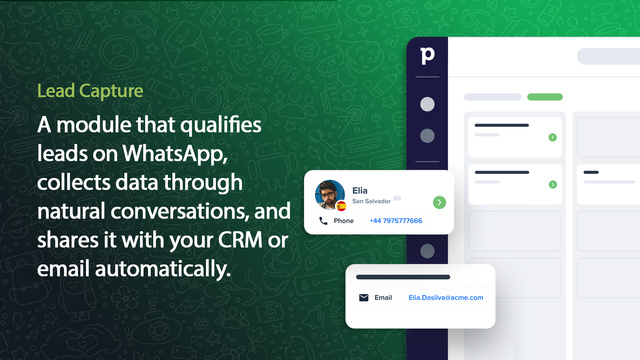
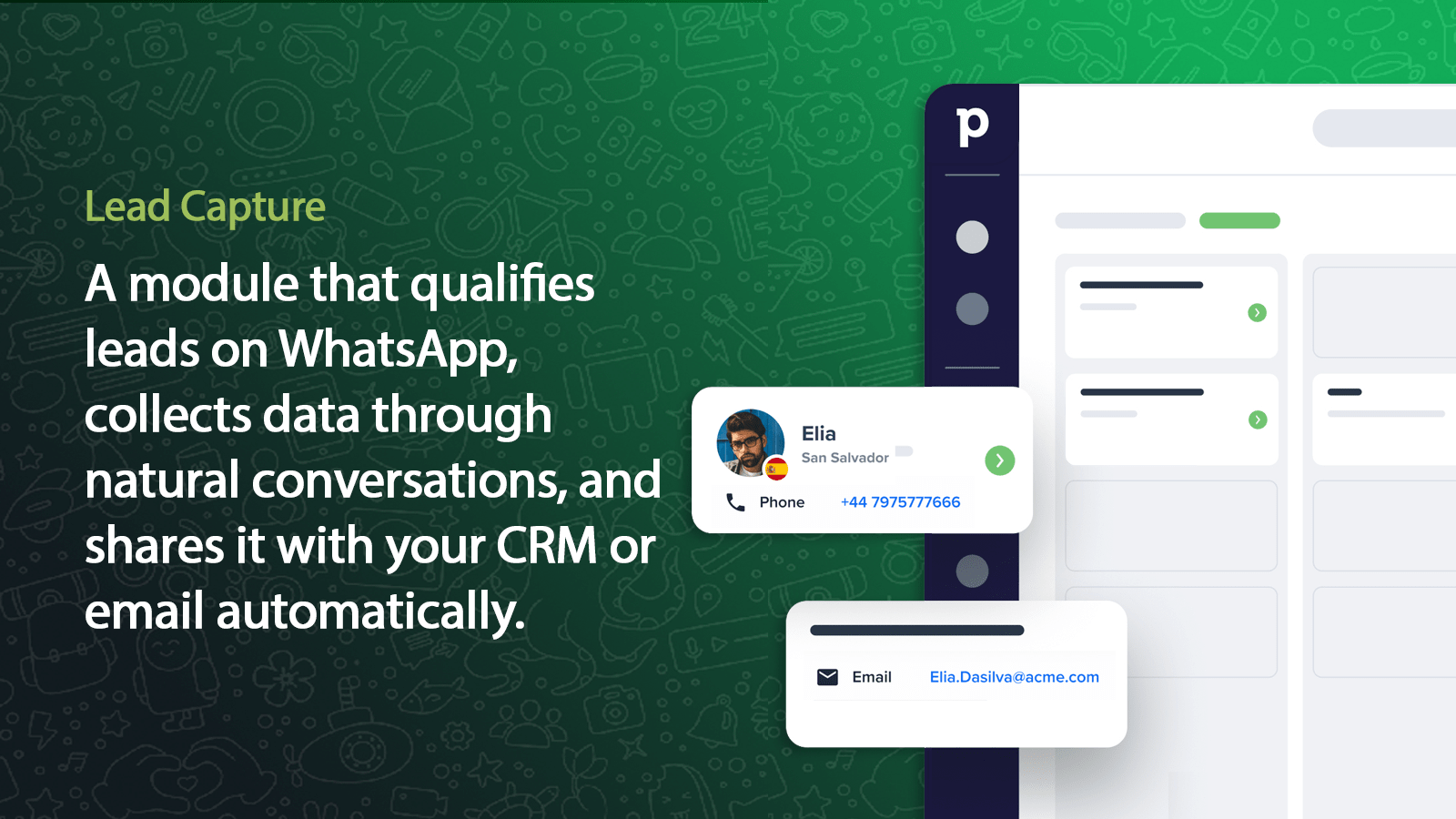
Capture contacts, qualify opportunities, use tags, and export commercial data.
Take over conversations, pause the bot, respond via the panel, and keep the history centralized.
Create internal tickets from conversations, with history, evidence, summary, category, priority, and context for the responsible team.
Use files, documents, spreadsheets, and Google Sheets for more accurate responses.
Consult products and orders, recommend items, and build carts on WhatsApp.
Connect CRM, automations, webhooks, widget, and proprietary systems to the conversation flow.
Configure AI without starting from scratch: the platform helps structure the first agent.
Configure the agent, connect real company sources, and test how it converses and performs tasks with human control.