Message queue
Customers expect simple answers while the team tries to prioritize conversations manually.
Whatsplaid lets you configure an AI agent to respond to customers, triage inquiries, resolve repetitive questions, and escalate conversations to the team when human review is required.
The conversation starts on WhatsApp, on the channel the company already uses to provide support.
The agent uses the company knowledge base to resolve questions and understand intent.
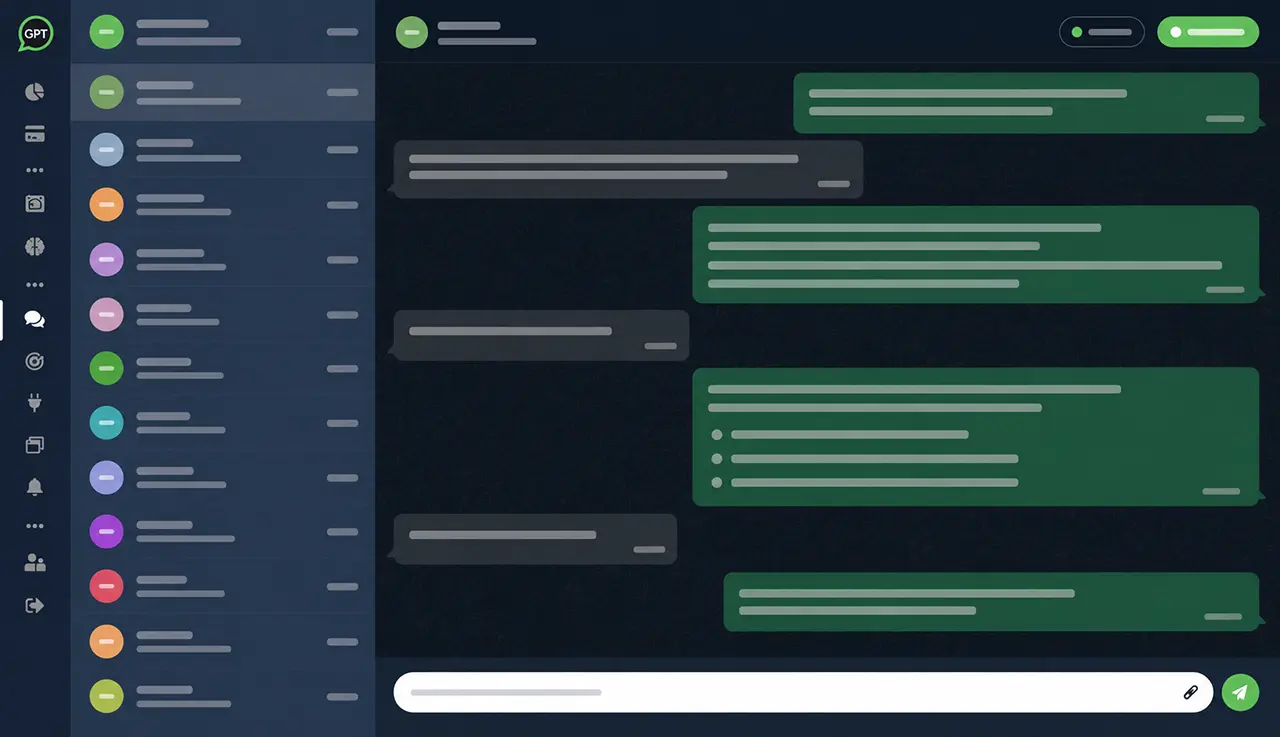
The human can pause the bot, reply via inbox, and resume with history.
Repetitive questions, messages outside business hours, initial screening, and simple requests consume time that could be spent on more important cases.
Customers expect simple answers while the team tries to prioritize conversations manually.
Without a central source of truth, each agent may respond with variations, forgetting rules, deadlines, or next steps.
Automating without inbox, robot pause, and human handoff creates risk when a case requires care.
Set company, objective, tone of voice, service policies, and situations that should be escalated to a human.
Use documents, website, Google Sheets and integrations to respond with real operational information.
The agent starts responding to customers, answering questions, collecting data, and organizing requests automatically.
The team monitors the inbox, pauses the bot per conversation, and continues support with context.
Train the agent with documents, policies, instructions, services, and frequently asked responses.
Google SheetsUse spreadsheets as the up-to-date source for schedules, units, deadlines, prices and simple rules.
Inbox for human operatorsOperators monitor conversations, pause the bot, and respond when the AI should not handle things on its own.
Tickets by AITurn customer conversations into internal tickets, with summary, category, priority, and context to organize requests that require human follow-up.
Lead captureWhen the conversation has a commercial intent, the agent collects data and records the contact for follow-up.
IntegrationsConnect CRM, e-commerce, Zapier, API, webhooks and internal data to the support workflow.
Hours, address, service methods, deadlines, policies, prices and next steps.
Understand the reason for contact before routing to Sales, Support, Finance, or a human representative.
Receive requests, answer basic questions, and gather information even when the team is offline.
Guide customers on orders, documents, procedures, status, frequently asked questions, and opening support tickets.
The operation combines instant responses, company knowledge, and an inbox to monitor or take over each conversation.
The customer sends a recurring question or a request outside business hours.
The AI uses configured policies, documents, and data to guide the response.
The question is resolved or routed to human support with context.
Whatsplaid focuses on simplifying AI activation on WhatsApp while remaining robust enough to operate with knowledge bases, human inboxes, internal tickets, leads, and integrations.
No. Whatsplaid guides agent setup through the dashboard, including objective, tone, rules, knowledge, and tests before activation.
Yes. The agent can answer questions, collect data, and guide customers even when the team is not available.
Yes. The team can monitor the inbox, pause the bot per conversation, and continue manual support with the conversation history available.
Yes. The AI can screen inquiries, respond to recurring questions, guide procedures, and create internal tickets from customer conversations when a case requires human follow-up.
Yes. The agent can use the knowledge base, documents, spreadsheets, website, and enabled integrations to respond with more context.
Configure an AI agent with company data, test real conversations, and keep the team ready to take over when needed.